1.0 TronScan Guide: How to Track Transactions and Manage Assets Securely (2026)
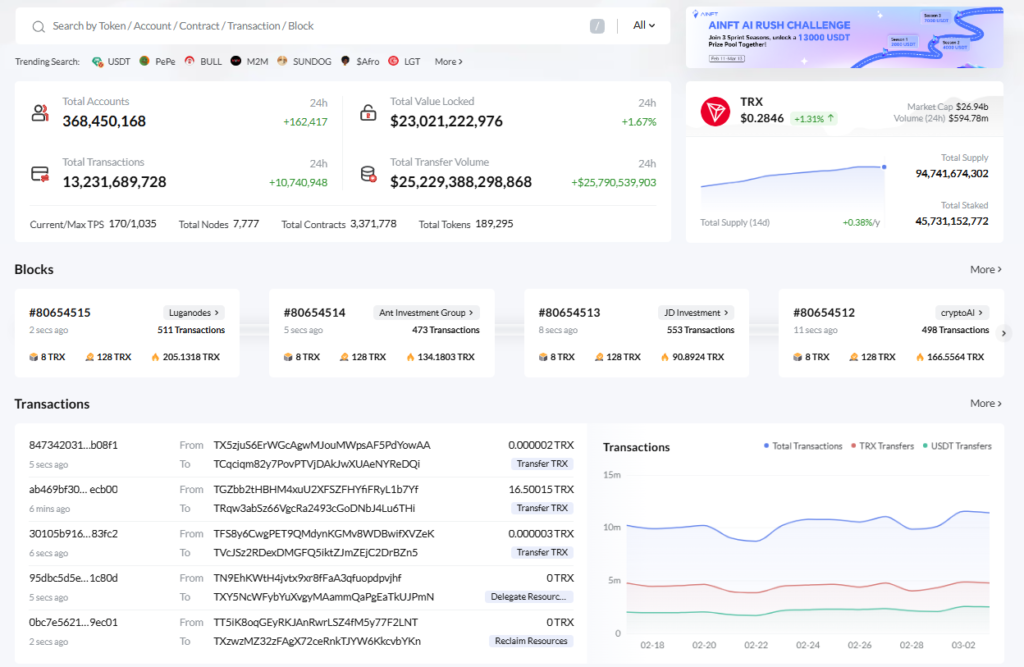
TronScan is the official explorer for the Tron network. It allows you to track USDT TRC20 transfers, check wallet balances, and stake TRX. The best part? You can do most of this 100% anonymously without ever connecting your private wallet.
Why Use TronScan?
100% Permissionless Query: Access any public data on the blockchain without signing in.
Real-Time Tracking: Get instant updates on USDT (TRC20) transfer confirmations and network status.
Staking & Governance: Participate in the Tron ecosystem to earn passive rewards.
Security First: Verify smart contracts and avoid phishing scams by checking official identifiers.
Zero-Risk Anonymous Query
The Golden Rule: No Wallet Connection Required
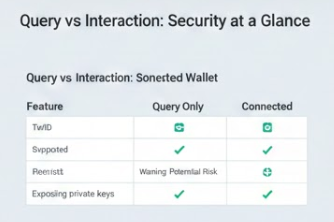
Unlike many DeFi platforms, TronScan does NOT require you to connect your wallet for queries. Many phishing sites pose as explorers and force a “Connect Wallet” popup to drain your funds. On the official TronScan, you remain a “spectator” with zero risk to your private keys.
Search by Address: Simply paste any wallet address to see its USDT balance and history.
Search by TxID: Paste a transaction hash to see exactly why a transfer is “Pending” or “Confirmed.”
How To 3 Steps to Verify a USDT Transfer
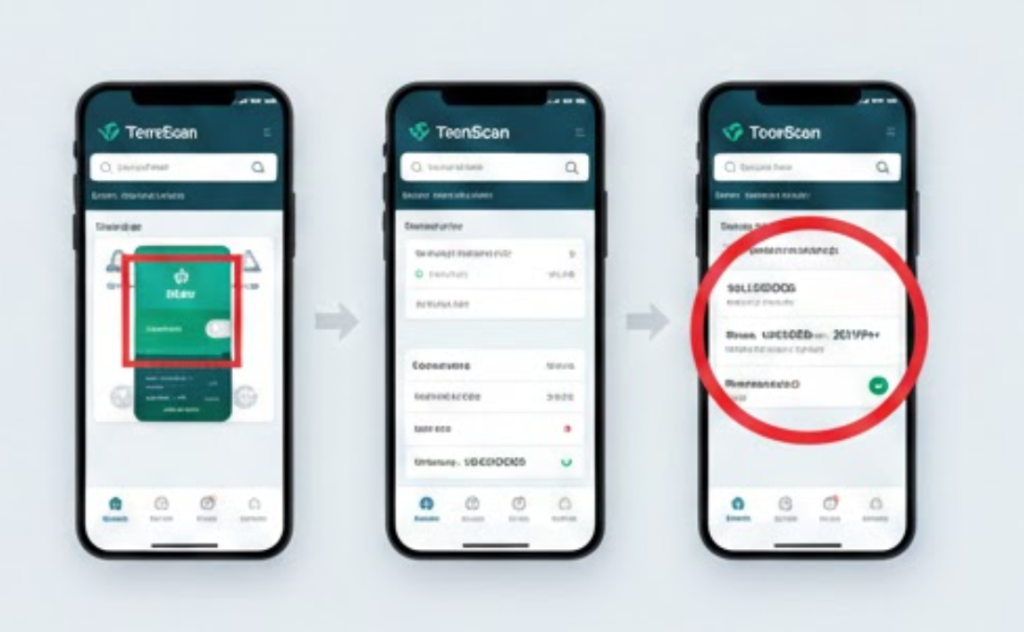
Step 1: Obtain the Identifiers Ask your sender for the TxID (Transaction Hash) or the receiver’s Wallet Address.
Step 2: Use the Global Search Visit TronScan.org. Paste the identifier into the search bar at the top of the page. No login or “Connect Wallet” is necessary.
Step 3: Analyze the Results
Status: Look for “Success” or “Confirmed.”
Confirmations: Ensure the block confirmations have met the exchange’s requirement (usually 19-20 for USDT).
Resources: Check the “Energy” and “Bandwidth” consumed to understand the transaction cost.
Advanced - Staking TRX for Passive Income
If you wish to do more than just “view” data, you can interact with the network:
Navigate to Governance > TRX Staking.
Connect your wallet (TronLink or Ledger) ONLY when you intend to Stake.
Vote for Super Representatives (SRs) to start earning rewards.
FAQ - Common Concerns
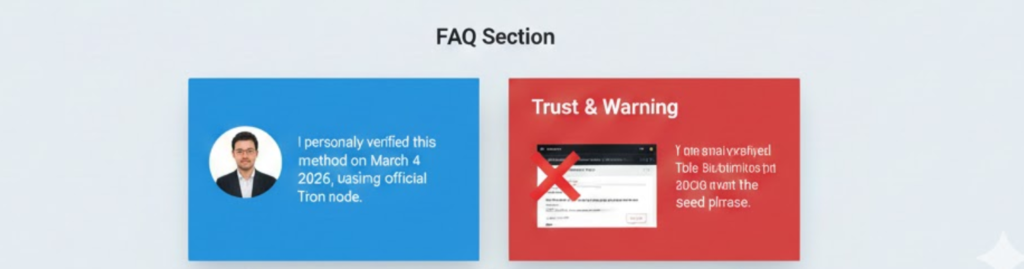
Q: Is it safe to enter my wallet address on TronScan?
A: Yes. Your public address is already public on the blockchain. Entering it into TronScan’s search bar is a read-only action and cannot compromise your funds.
Q: Why does a site asking for my "Seed Phrase" to check my balance?
A: WARNING: That is 100% a scam. A legitimate blockchain explorer like TronScan will never ask for your private keys or seed phrase.
Q: Can I see the sender's real-world identity?
A: No. TronScan shows wallet addresses (alphanumeric strings). Unless the owner has a “Public Tag,” the identity remains pseudonymous.